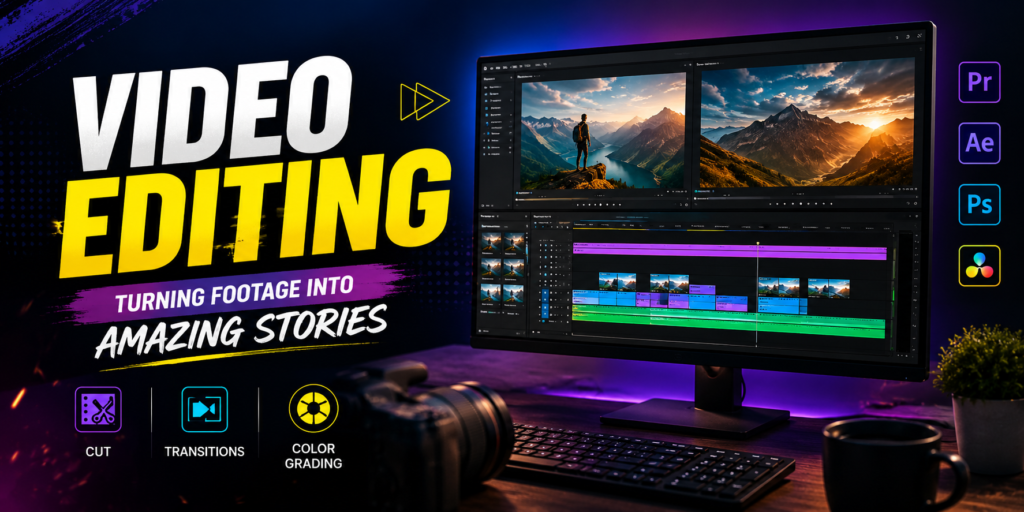
Transitions and effects are powerful tools in video editing that help connect scenes smoothly and add creativity to your videos. Transitions control how one clip changes into another, while effects can enhance the visual appearance, movement, and overall style of a scene.
In this section, you will learn how to use common transitions such as cuts, fades, dissolves, wipes, slides, and zoom transitions. You will also explore visual effects such as blur, glow, distortion, speed effects, color effects, and basic motion effects.
You will learn how to apply effects appropriately, adjust their settings, and control their timing using keyframes. Understanding when and where to use transitions and effects is important because excessive effects can make a video look distracting or unprofessional.
With practice, you will be able to combine transitions, effects, and creative timing to produce smooth, dynamic, and visually engaging videos for YouTube, social media, advertisements, short films, and other projects.
https://youtube.com/shorts/FWkWDsyCuIo?si=Rav_dM85VjJ7ec8wTHINGS USED IN TRANSITION AND EFFECTS
- Basic and advanced transitions
- Creative Transition
- video effects
- Speed Effects
- Blur and glow
- Masks
- Adjestment Layers
- Presets
- Creating custom effects